Keep the ones that worked.
Save any recipe to your favorites. Tag it however you actually think — “weeknight”, “kids loved it”, “too spicy for Sunday” — and add notes you’ll thank yourself for next time.
Tell Cookpal what you’ve got. You’ll get three dinner ideas — each with a photo, a cook time, and ingredients you can tap straight into your shopping list.
What cooks around the world are making with Cookpal right now.
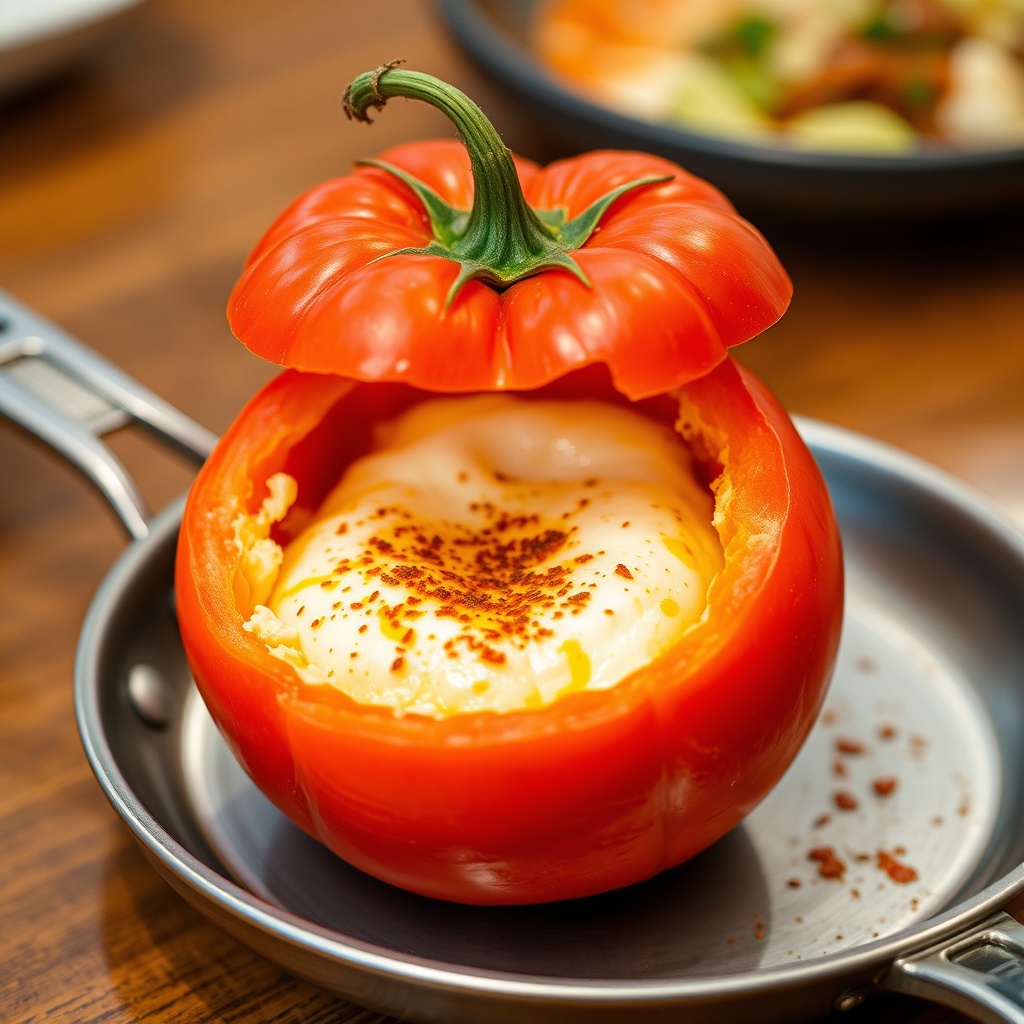
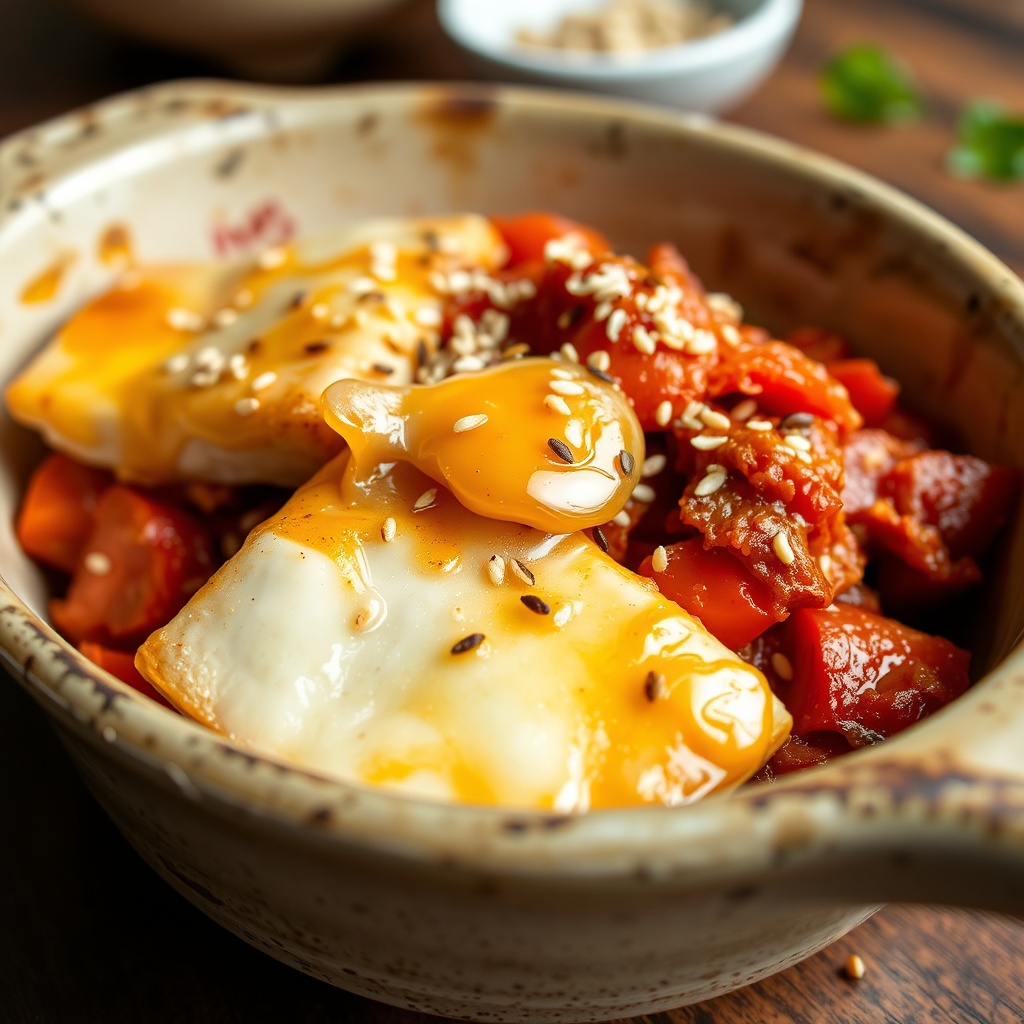
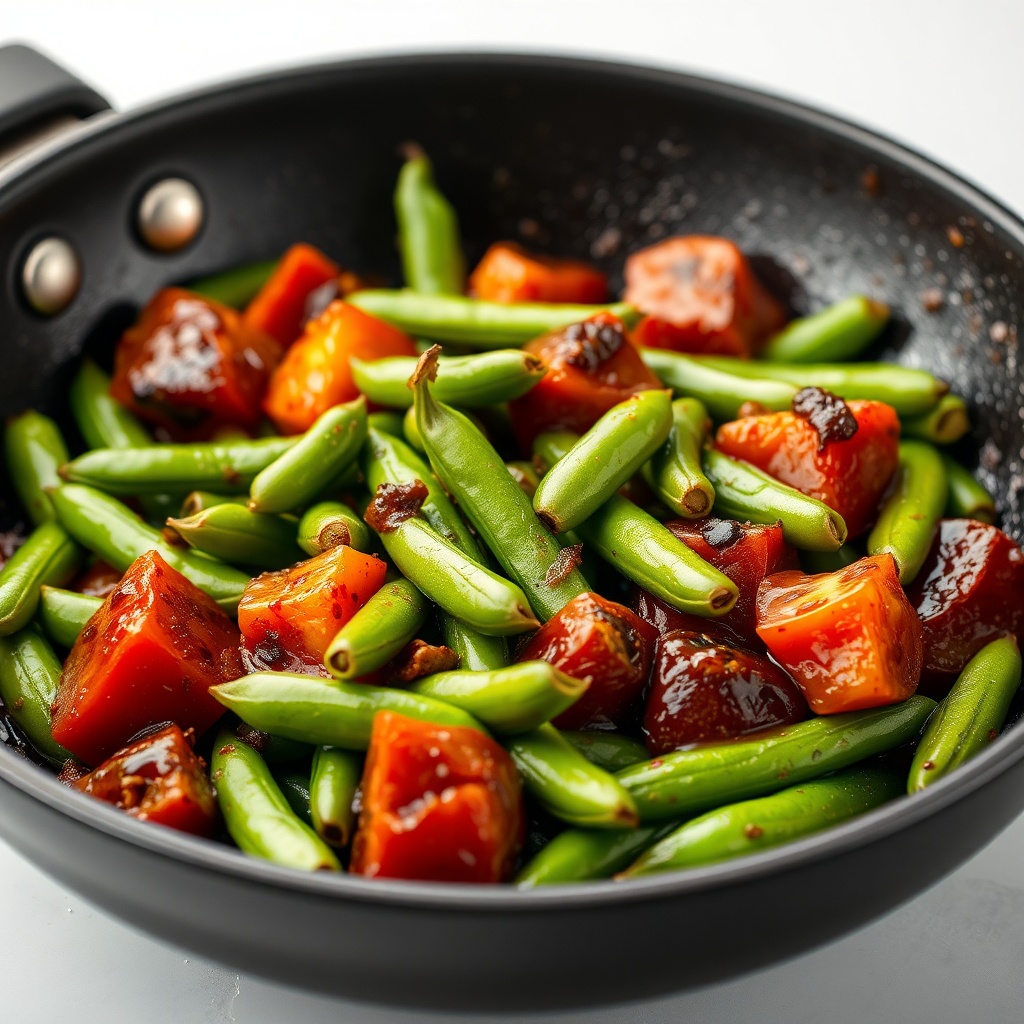
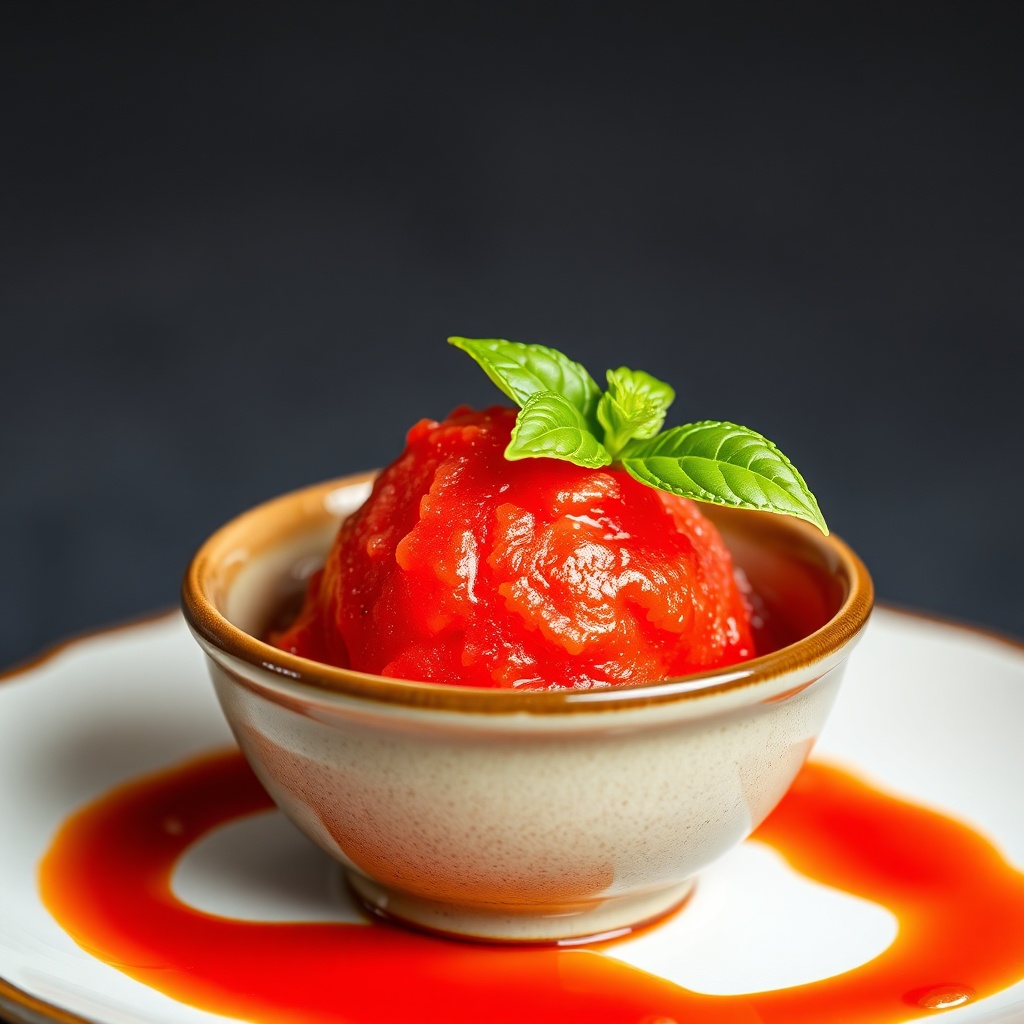
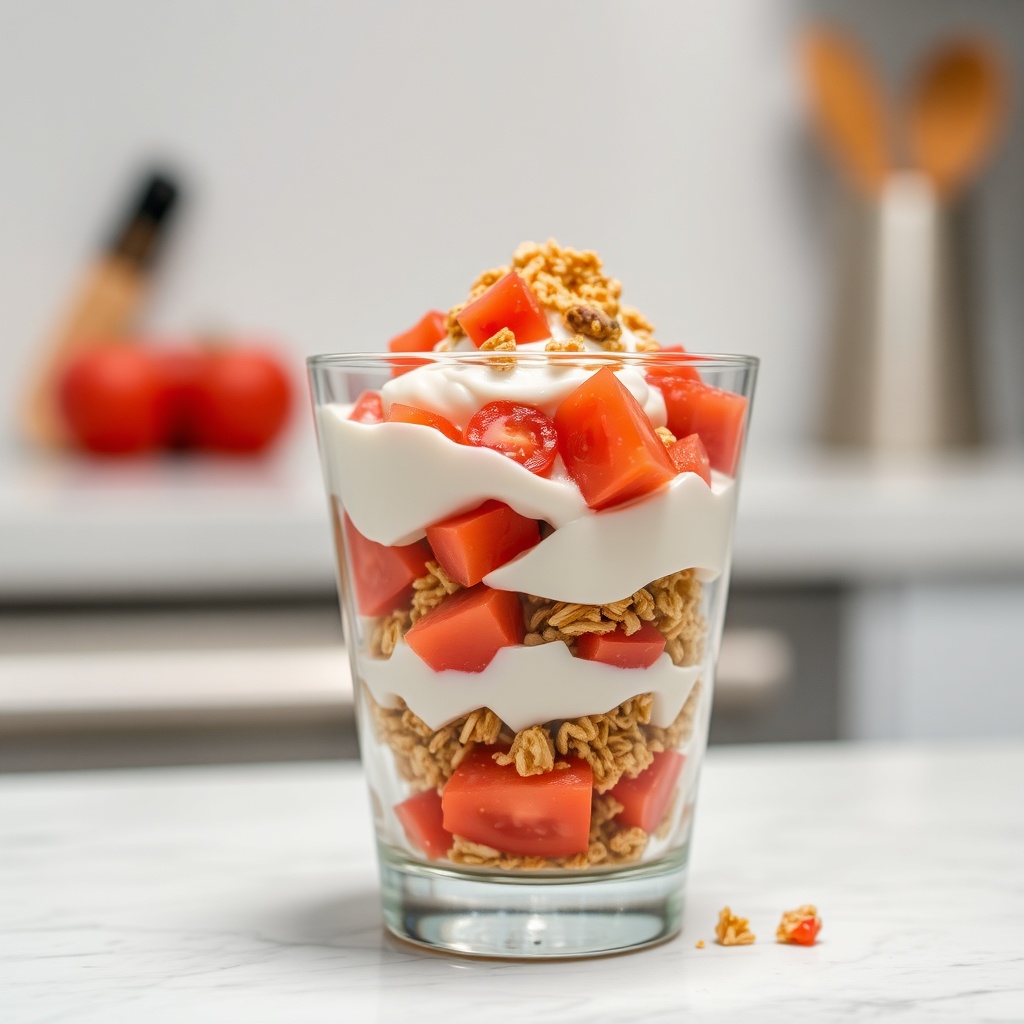
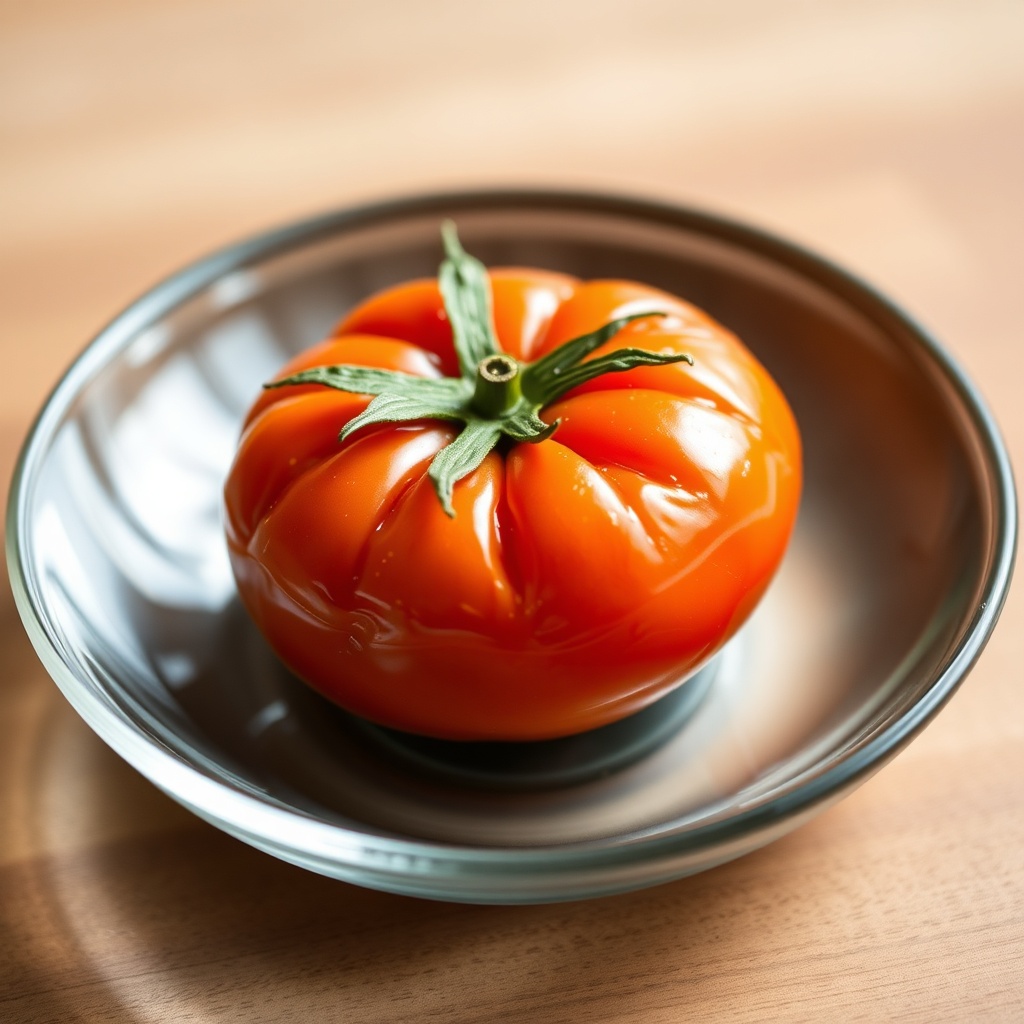
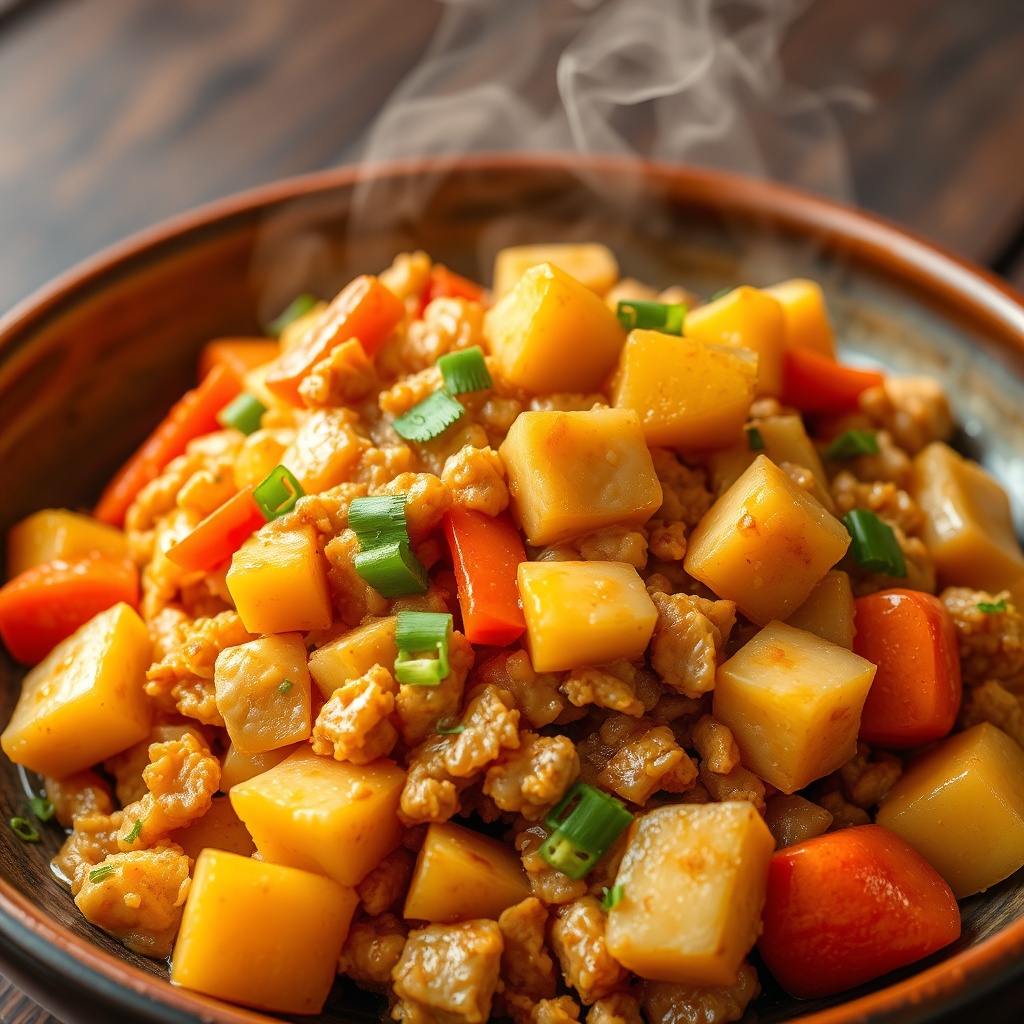
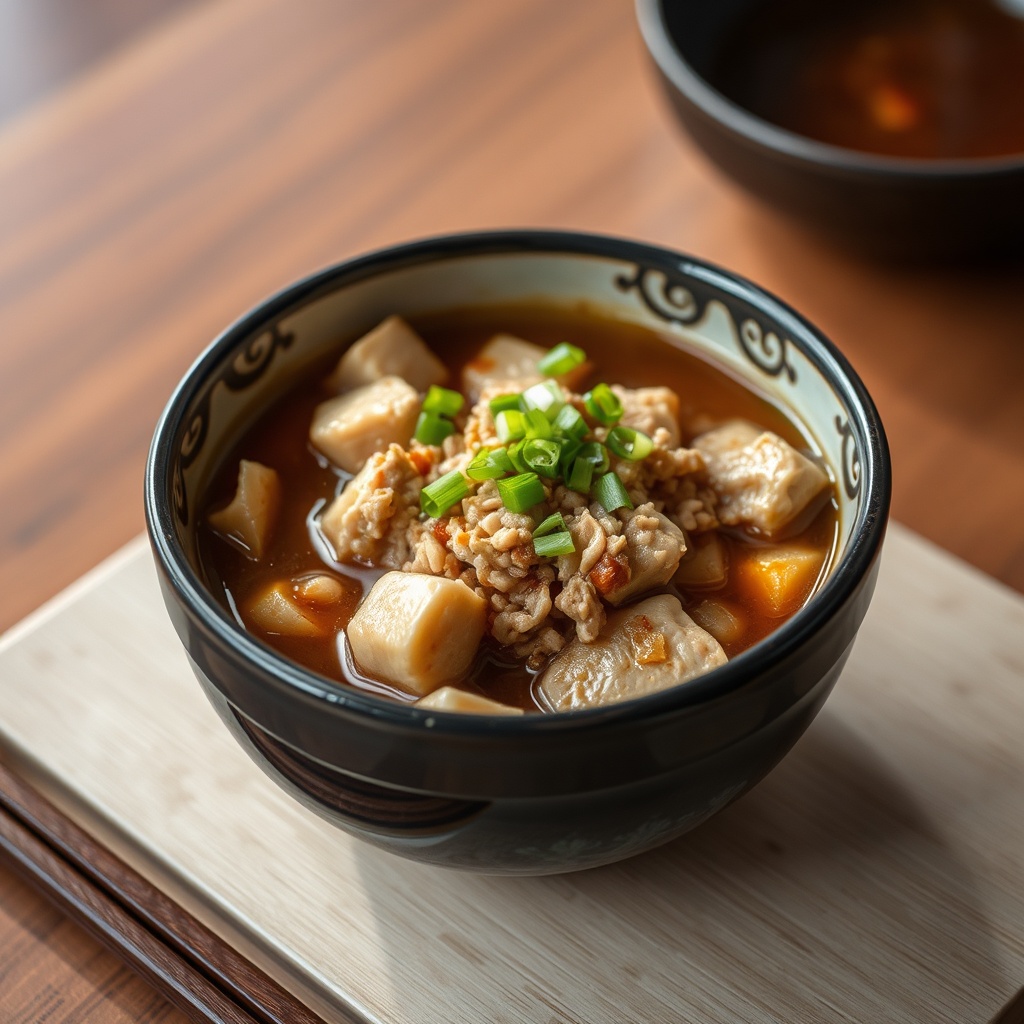
Fridge to finished plate in about fifteen seconds.
Sample auto-play. Your actual recipes come from whatever you type in.
Most recipe apps hand you a cookbook and walk away. Cookpal starts where you actually start — with what’s already in the fridge.
Each part of Cookpal does one job — well, then gets out of your way.
Flip one switch and Cookpal stops introducing new ingredients. Whatever you typed in is what shows up in the recipe — nothing else. The only extras are basic pantry staples you almost certainly have (salt, oil, common seasonings). No surprise “oh wait, I need to buy this too.”
Save the ingredients you avoid — peanuts, shellfish, cilantro, whatever — and Cookpal won’t put them in another recipe. Need to block something just for tonight? Drop it in for one request and it’s gone after.
Always want 30 minutes, low-carb, one pan? Save it as a setup. You can keep up to ten — weekday quick wins, date night, kids-approved — and each one loads with a tap.
Tap any ingredient on any recipe — it goes straight to your list, grouped by dish so you remember what’s for what. Cooking for six instead of two? Bump the servings and the quantities re-do themselves.
Tell Cookpal where you live and it builds recipes around ingredients you’ll actually find at your supermarket. Same fridge, different country — pad krapow in Bangkok, schnitzel in Berlin, cacio e pepe in Rome.
Cookpal isn’t a one-shot suggestion box. The dishes you make once become the ones you come back to.
Save any recipe to your favorites. Tag it however you actually think — “weeknight”, “kids loved it”, “too spicy for Sunday” — and add notes you’ll thank yourself for next time.
Everything you generate is saved to your history, with the photo. No more “what was that pasta thing I made?” — just scroll back and tap.
Every recipe gets its own link. Copy it, share to X, LINE, or Facebook, or drop it into your phone’s share sheet. Whoever you send it to can open it without signing up.
From wondering what’s for dinner to knowing what’s for dinner.
Type what you can see — leftovers count too. Up to twenty ingredients, with autocomplete that already knows the names.
How long have you got? Healthy? Spicy? Vegetarian? Set whatever you care about — or skip it all. Cookpal still works.
Three recipes show up, each with a photo. Choose one, set how many people you’re feeding, and tap the ingredients you need into your shopping list.
What people ask right before tapping the button.
Yes. Every part of Cookpal is free, with no ads and no paid tier hiding the useful features.
Let Cookpal handle the “what” and the “how much.” You handle the eating.